Draw without breaking rhythm
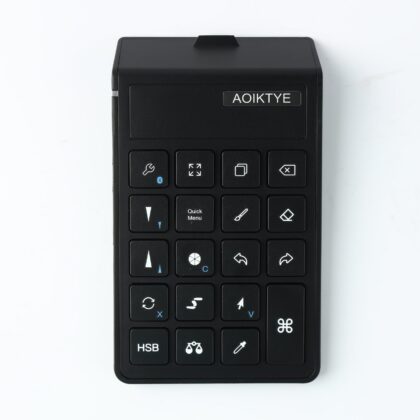
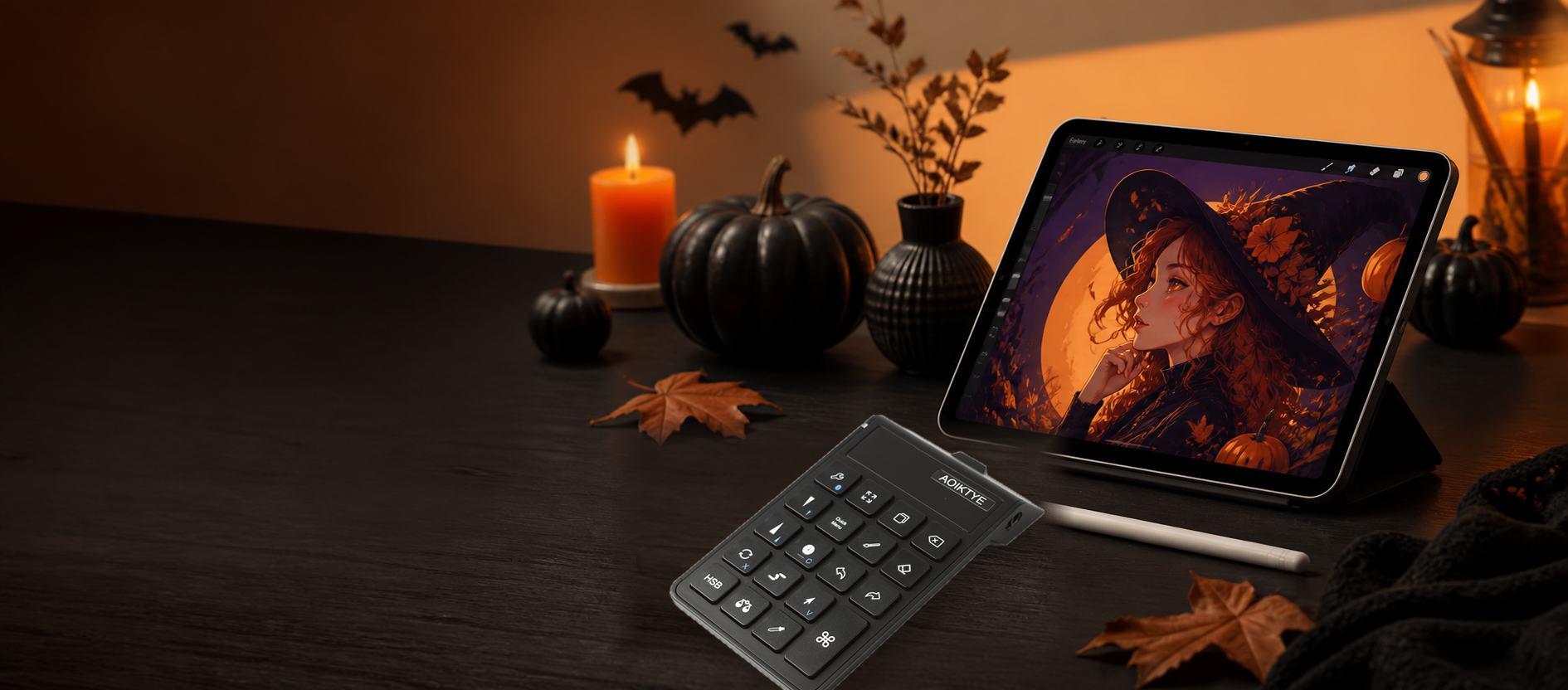
Undo, brush size, color pick and shortcuts stay under your left hand.
Keep your desk angle stable
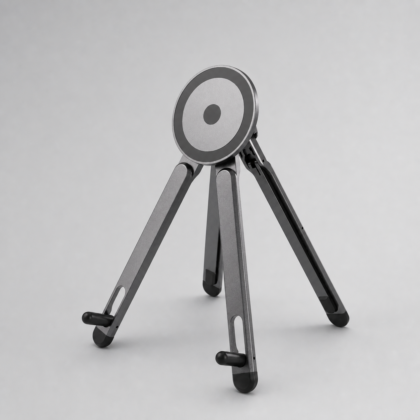
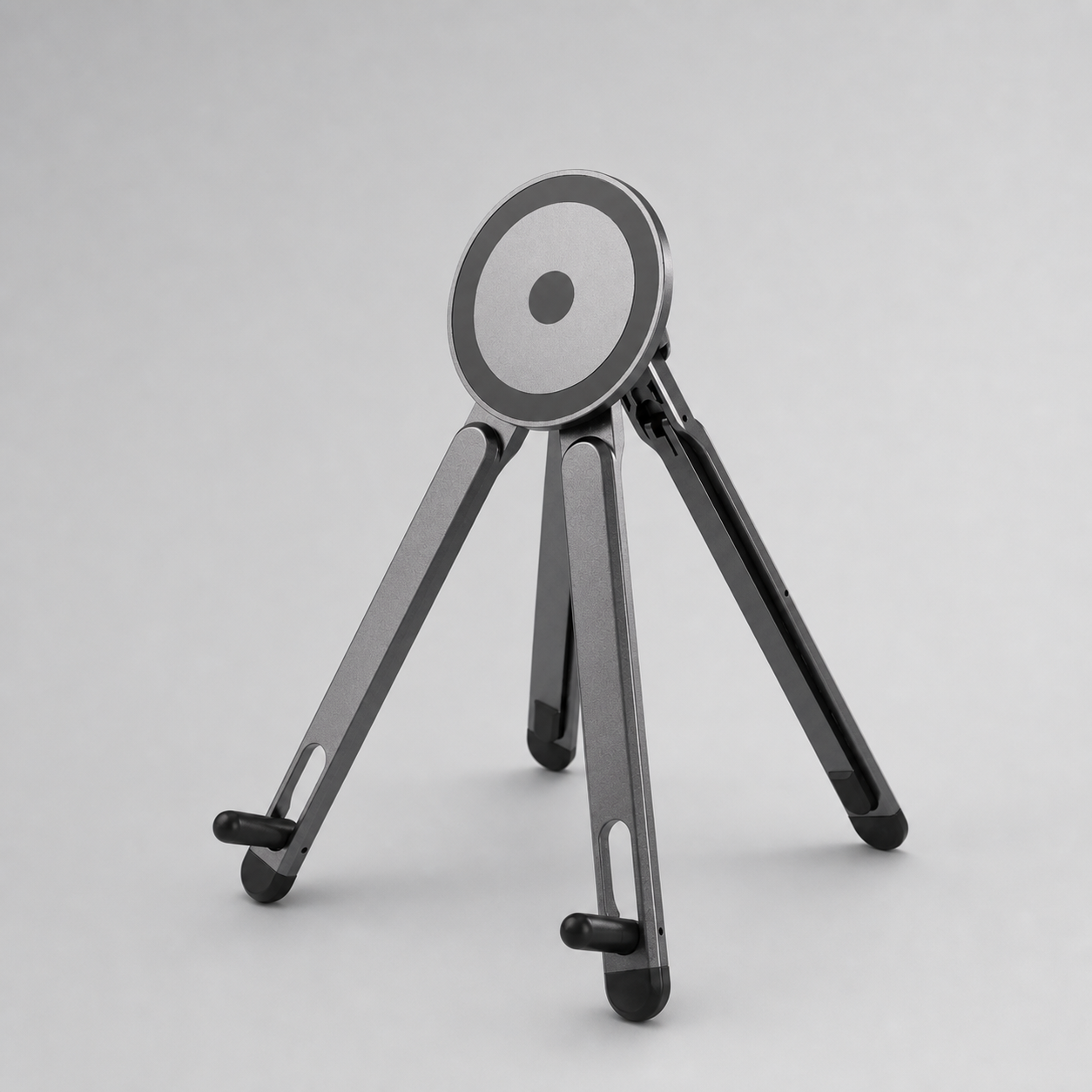
Use a stand to hold your iPad, phone or tutorial screen at a comfortable angle.
Checkout stays simple
PayPal and card payments, clear shipping choices and tracking after dispatch.
Start with the creator setup.
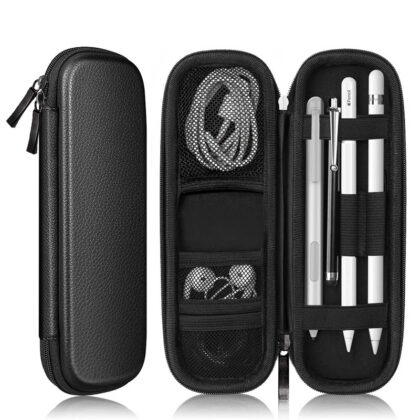
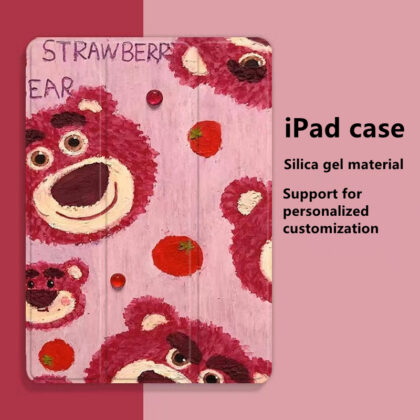
The practical combination most iPad artists need first: shortcut control, a stable viewing angle, pencil tips and a paper-feel drawing surface.
-

AOIKTYE Wireless Shortcut Keyboard for Procreate
Sale! Original price was: 41.99$.29.99$Current price is: 29.99$. Add to cart -

Magnetic Aluminum Phone and Tablet Stand
19.99$ Add to cart -

Replacement Tips Compatible with Apple Pencil 2 Gen iPad Pro Pencil – iPencil Nib for iPad Pencil 1 st/Pencil 2 Gen White 10 Pack (White 10 Pack)
Sale! Original price was: 29.99$.9.99$Current price is: 9.99$. Add to cart
DESK SETUP
Pair the keyboard with a stand.
Use the shortcut keyboard for Procreate actions and keep your iPad or phone at a better angle for tutorials, references, video calls and daily work.
Shop by workflow
Choose by the part of your drawing process you want to improve first.
More tools for daily iPad work
Small accessories that make drawing sessions cleaner, more comfortable and easier to keep organized.
-

Wired Customizable Rainbow Keyboard with Rotary Knob
Sale! Original price was: 79.99$.49.99$Current price is: 49.99$. Add to cart -

Aoiktye Magnetic Wireless Charger Dock with USB Cable Compatible with Apple Pencil 2nd Generation, Convenient Ipencil Charging Stand fits for Ipad Pen Gen 2,Save Your Ipad Battery Power
18.99$ Add to cart
Product reviews
Approved customer reviews appear here after purchase. Real feedback helps other creators choose the right setup.
I use Procreate exclusively for all of my digital art. I don’t have enough time to spend AT my computer, so the vast majority of my art is done on the go. Having to use gestures was starting...
Built around the small moments that slow artists down.
AOIKTYE focuses on practical iPad drawing tools: faster shortcuts, cleaner pencil control, stable tablet angles and accessories that make the next creative session easier to start.